How to appear on Google Map? Your business will be much more visible
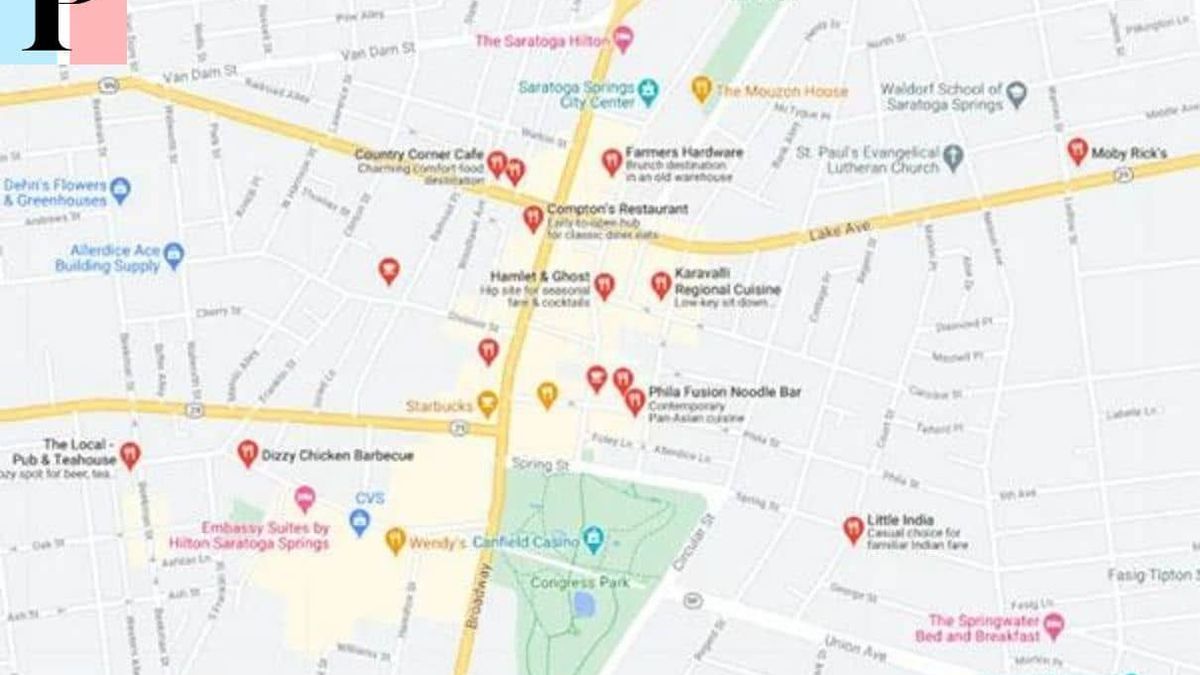
When potential customers search for businesses on Google, one of the first things they see is a map with pins indicating the location of each business.
If you want your business to appear on Google Map, there are a few things you need to do as a Google my business training
Appear on Google Map in 3 simple steps
Step 1: Create or claim your business listing on Google
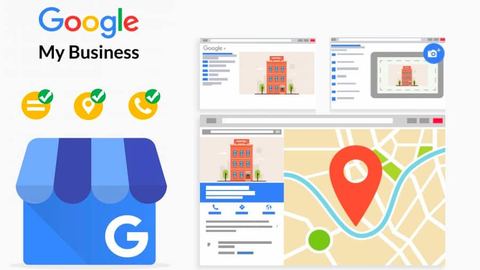
The first step is to create or claim your business listing. To do this, go to Google My Business and click "Add your business to Google" Then you must verify your file by telephone or by mail. Once your listing is verified, you can start adding important information like your opening hours, address, contact details, and photosStep 2: Optimize your Google my business listing
After creating or claiming your GMB sheet, it is important to make a SEO Google Map and optimize it so that it appears in better position in search results, preferably in Pack 3. To do this, you must ensure that all the information contained in your file is accurate and up to date. Another way to optimize your Google my business profile is to add photos and videos, as well as create messages that highlight your company's special offers or eventsStep 3: Check your registration
It is also important to regularly monitor your listing with Placewithedits and respond to comments, whether positive or negative. Potential customers will be able to see how you respond to comments, so it's important to make sure you always respond in a professional and polite mannerCompleting your Google My Business registration
By following these steps, you will be able to answer the question "How to appear on Google Map" and get your business listed onGoogle Map so that potential customers can easily find your location. By optimizing and regularly monitoring your listing, you will ensure that your business appears higher in search results and that potential customers have a positive impression of your business.Articles similaires

Google my business
Google Map SEO, what exactly is it?

Google my business